Turn a list of names into ready ID cards
Make office, school and event ID cards on your phone. Add a photo, pick one of 185 templates and print a whole team on A4 sheets.
Android 7 and newer · Works offline · English and Bangla
Everything in one app
From photo to printed card, without a computer
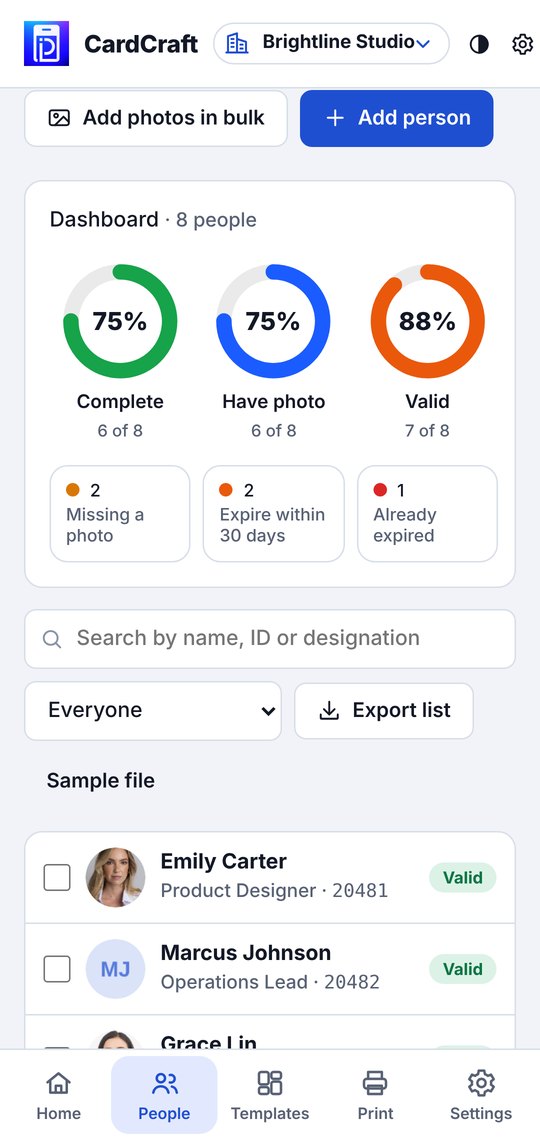
Dashboard
Know which cards are ready to print
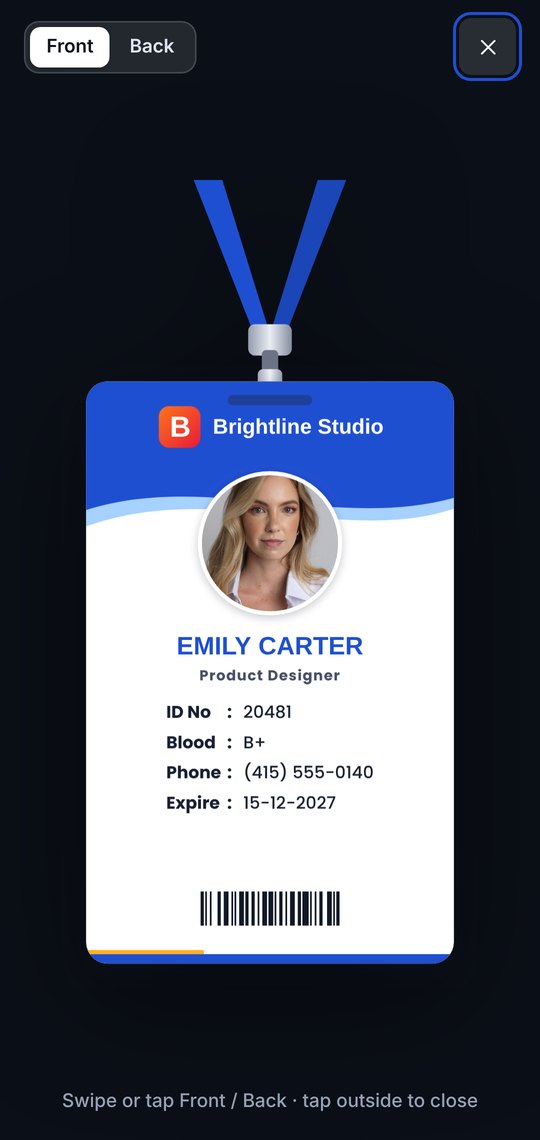
Print & export
A4 sheets with cut marks, front and back
Any type of card
Employee ID, Student ID, Name Badge, Event Pass, Visitor Pass, Membership Card and Photo ID — each with the right fields already set.
Several institutes in one app
Each institute keeps its own logo, signature, design, departments and people. Switch from the top of the screen.
Any size you need
Standard CR80 cards, 4×3 badges, 3R and 4R event passes, A6, or your own size in mm. Portrait or landscape, front and back.
Templates
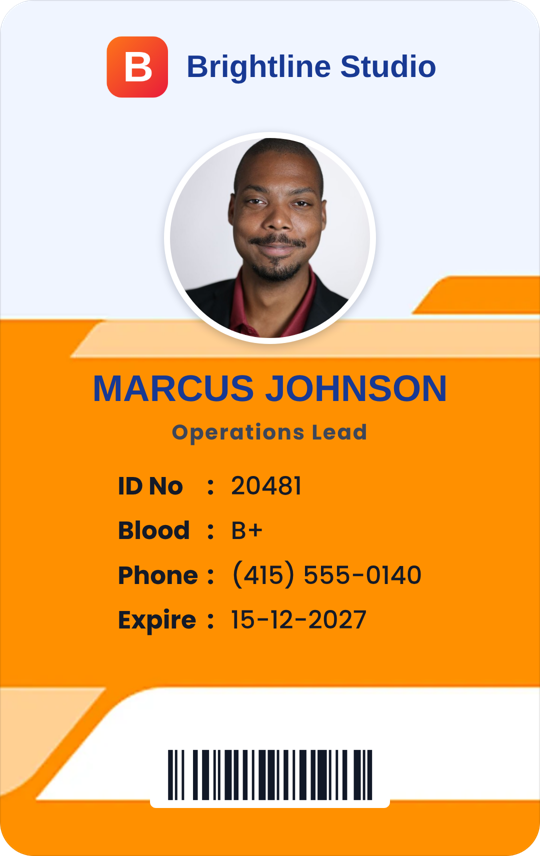
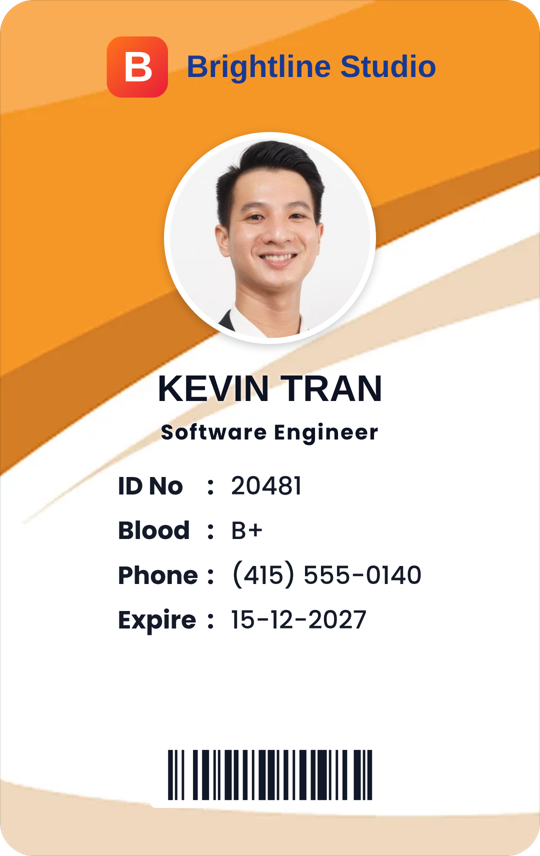
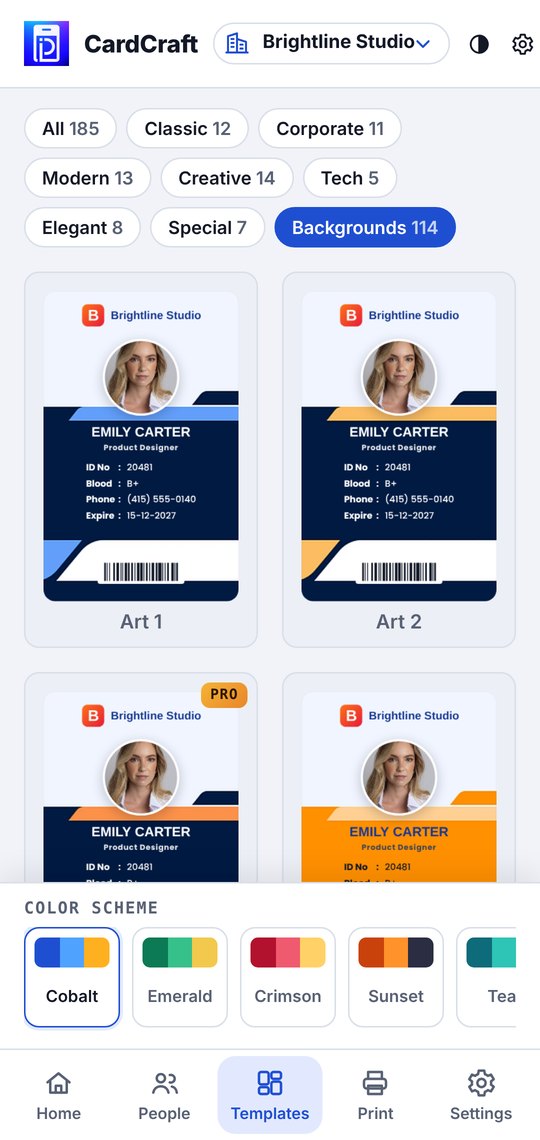
185 designs, 24 color schemes
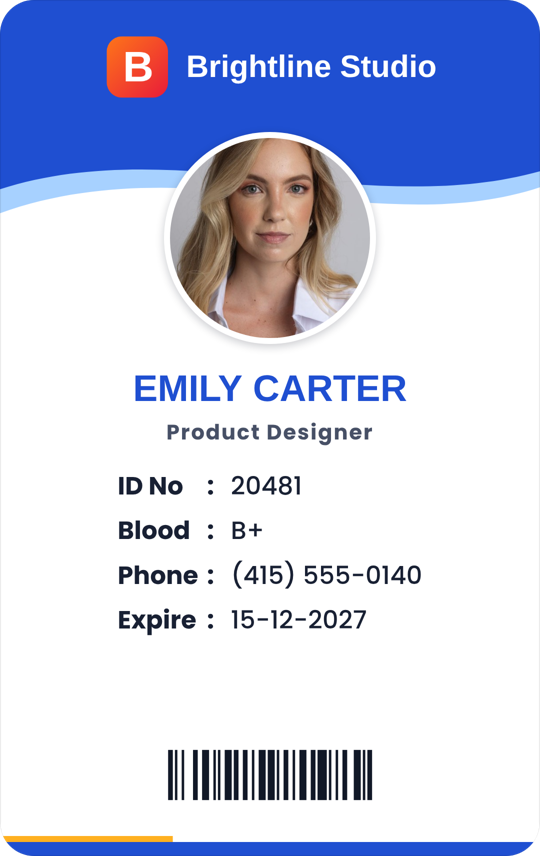
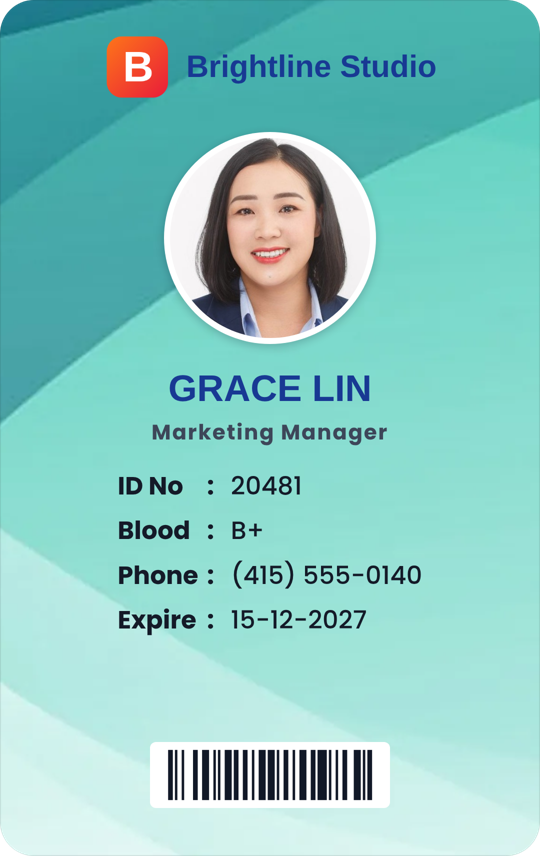
Classic, corporate, modern, creative and 114 colorful art backgrounds. Every design works in portrait and landscape, and you can move, resize or hide any part.
How it works
Three steps to a printed stack
Set up your institute
Name, type, address, logo and signature. The app asks the first time you open it.
Add people
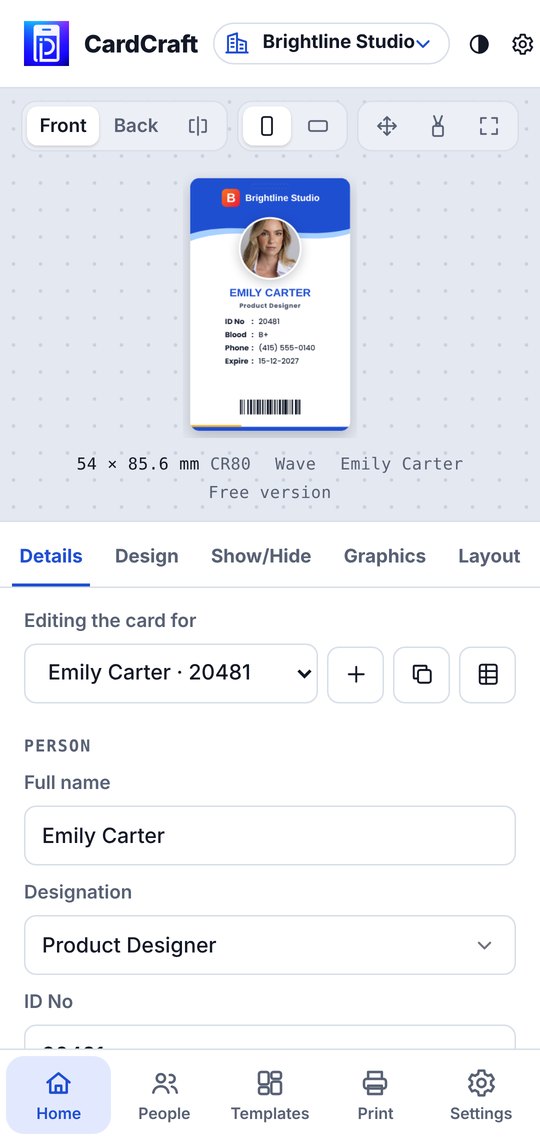
Type them in with suggestions for designation, department and class, or import an Excel or CSV list and add photos in bulk.
Print or share
Download a print-ready PDF, PNG images or print straight from the phone. Files go to Download/CardCraft.
Pricing
Start free, go Pro when you need more
Free
৳0
- Up to 10 people
- 2 institutes
- 35 templates
- PDF, PNG and printing
- Small watermark on the back
Pro
No ads৳129 / month৳799 / year · ৳1,999 lifetime
- Unlimited people and institutes
- All 185 templates
- No watermark
- Custom card sizes
- No ads
Prices in Bangladesh. Other countries see local prices on Google Play.
Questions
Do I need a computer or a special printer?
No. Everything happens on your phone. Print the A4 PDF on any printer or at a print shop, then cut along the marks.
Can I import my staff or student list?
Yes. Import an Excel or CSV file, then add photos one by one or in bulk. You can export the list again any time.
Where is my data kept?
On your phone. Use Backup to save a file you can restore on another phone.
Can I make government ID cards?
No. CardCraft is for your own organisation’s cards: staff, students, members, visitors and events.